Category rule card: build the card for one item
Choose a category, tick what applies, and read the three columns. Everything on the card comes from Hipobuy pages and estimator queries read on 16 October 2026.
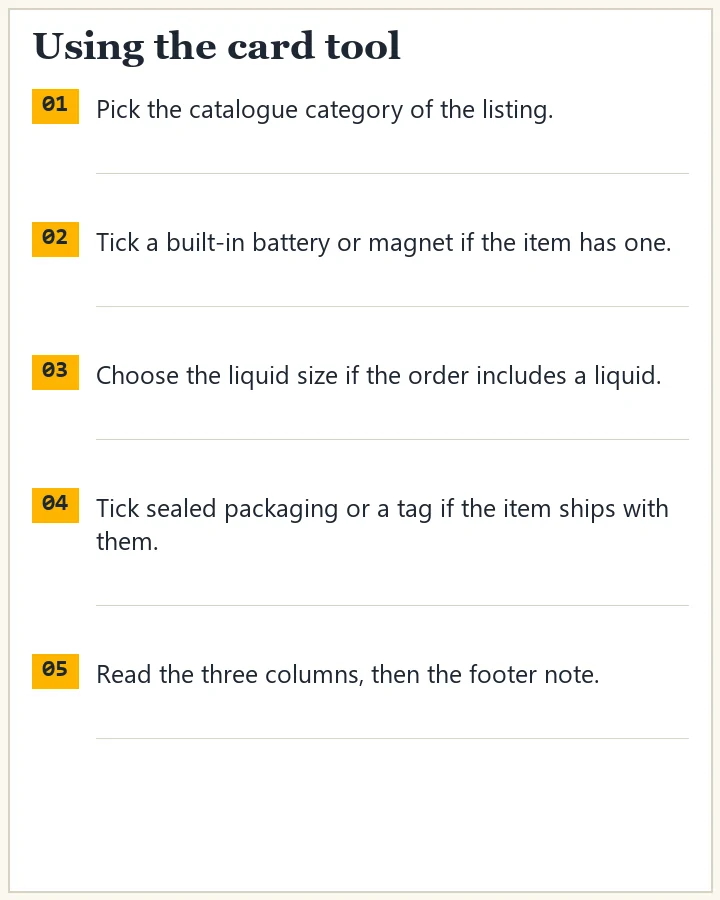
How to use this tool, step by step
Start with the category you would browse in the catalogue. If the listing is a heated jacket, pick Coats & jackets and tick the battery box. If it is a gift set of perfume over 100 ml, pick Fragrance bottles and choose the bottle size. If the seller ships the item in a manufacturer's seal, tick sealed packaging; if a sneaker box comes with a tag through the laces, tick the tag box.
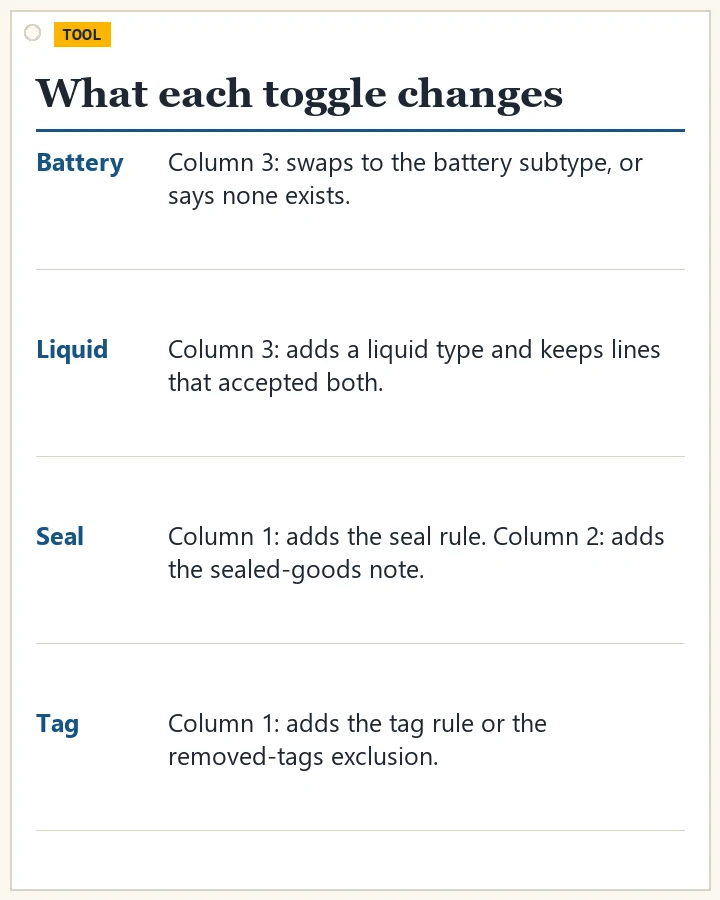
Each tick changes a column. Battery and liquid choices swap or add estimator product types and recount the lines. The seal and tag choices add the matching sentences from the intact tables to column one and, for seals, a note to column two.
Read the footer of the card last. It carries the one detail that is particular to the category, such as the prohibited-list line for jewellery or the custom-made rule for printed jerseys.
What each toggle changes on the card
A battery toggle replaces the plain type with the category's battery subtype where Hipobuy has one: clothes, shoes, luggage, ornaments, watches and electronics do; belts, glasses and the perfume subtype do not. Where there is none, the card says so instead of inventing a number.
A liquid toggle adds a second product type. When an order holds two types, a line has to accept both, so the tool keeps only lines that appeared as carriable in both single-type queries. That is a match by line name, not a combined query, and the card says which method it used.
Seal and tag toggles never touch column three. They are packaging conditions for returns, not shipping conditions.
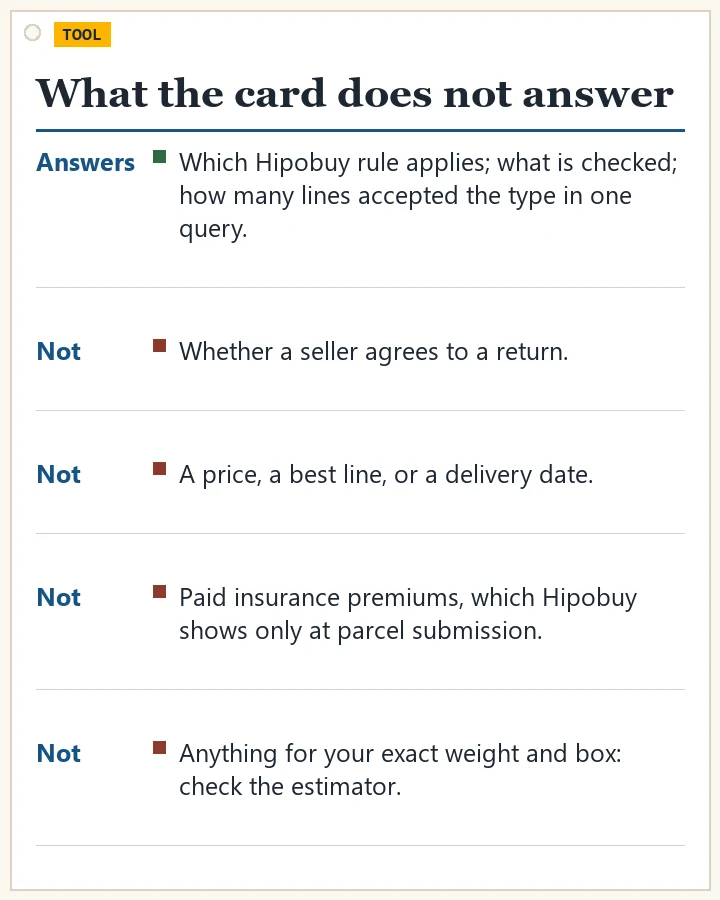
What the card tool will not tell you
It will not tell you whether a seller agrees to a return; the returns article makes every return subject to the seller. It will not price a parcel or name the best line. The counts are a snapshot of one weight and one box size, and real parcels are often heavier, lighter or bigger.
It also leaves out anything Hipobuy has not written down. Insurance rates for paid cover are shown only when you submit a parcel, and the card does not guess them. For an item that is not on the list at all, the prohibited list and support are the place to start.